Mirrai Careers
Resume: PDF or Word? Which Format to Send in 2026
PDF preserves formatting. Word is easier for some ATS. Here's when to use each and the "Print to PDF" trick most people miss.

Mirrai Careers
Match your resume to any job in seconds
Upload your resume, paste a job description, see your match score.
Try FreeFree month of Pro with code LAUNCH
The Short Answer
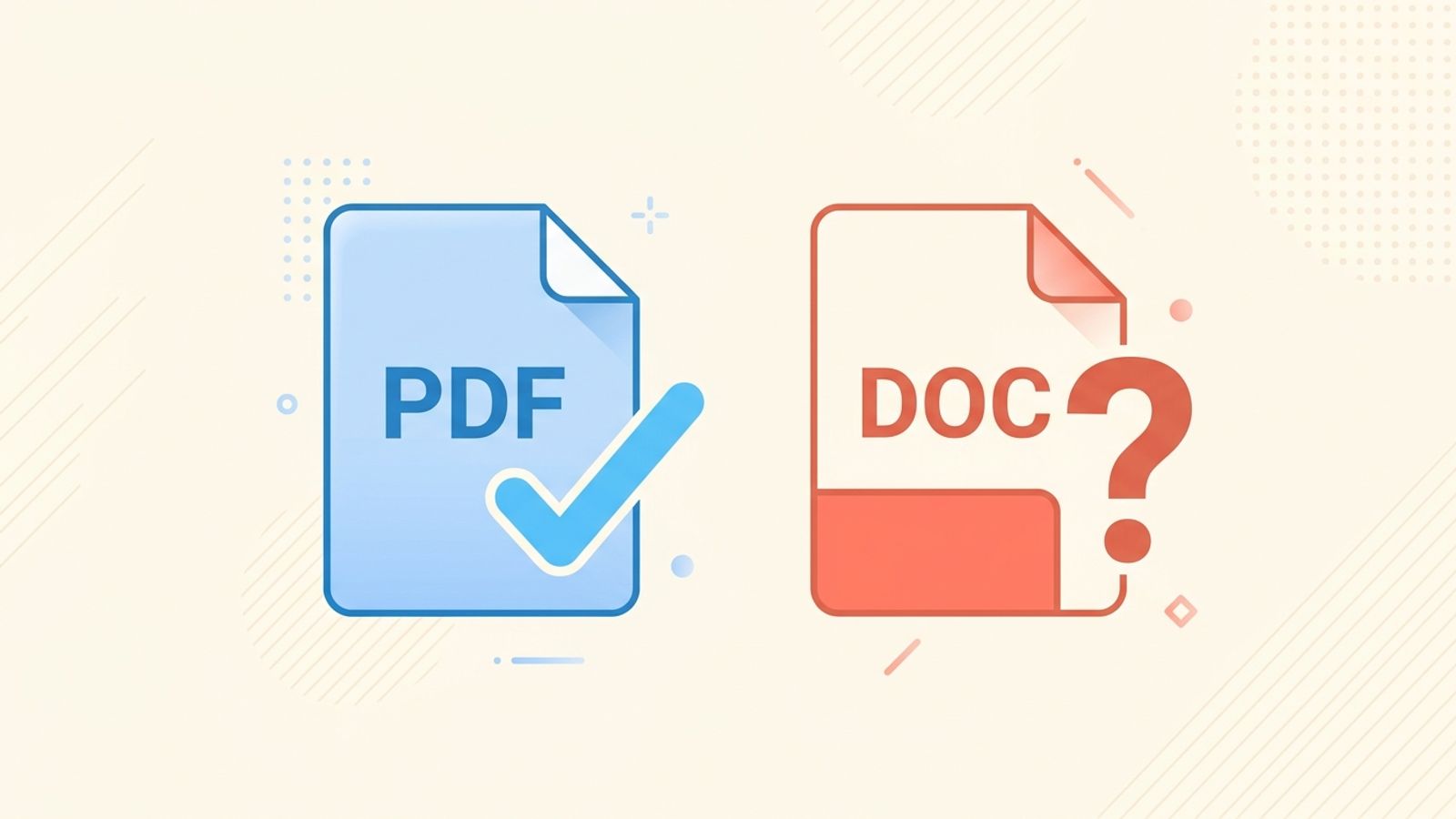
Send a PDF unless the job application specifically asks for a Word document. If they ask for .docx, send .docx. If they don't specify, PDF.
That covers 90% of situations. The rest of this article is about the edge cases and the one technical detail that trips people up.
When to Send a PDF
PDF is the default for one reason: it looks the same on every device, every operating system, every screen. A Word doc that looks perfect on your laptop can shift margins, swap fonts, or break formatting on the recruiter's machine. PDF doesn't do that.
- Formatting is locked. Your margins, spacing, and layout stay exactly as you designed them.
- Fonts render correctly even if the recruiter doesn't have them installed.
- It's not editable, which means nobody accidentally (or intentionally) modifies your resume.
- Every modern ATS can parse PDFs. The "ATS can't read PDF" myth is from 2010. It's 2026.
One important caveat: how you create the PDF matters.
“"Print to PDF" instead of "Save As PDF." I tested it and sure enough my CV turns up almost entirely blank in .txt when saved as PDF because I was using text boxes. Print to PDF flattens the layers and everything shows up.”
If your resume uses text boxes, tables, or columns in Word, "Save As PDF" can produce a file that looks right to a human but is unreadable to ATS. "Print to PDF" (or File > Export > PDF) flattens the document into a single layer that ATS can actually parse. Test yours: rename your PDF to .txt and open it. If you can read the text, ATS can too. If it's blank or garbled, recreate the PDF using Print.
When to Send a Word Document
Three situations:
- The application explicitly says "submit in .docx format." Some companies, especially large enterprises with older ATS systems, prefer Word because their system was built to parse it.
- A recruiter asks for it. Staffing agencies often request Word docs because they add their own formatting or branding before forwarding your resume to clients. This is normal (if slightly annoying).
- Government applications. Federal hiring systems (USAJobs and similar) sometimes require specific formats.
If you send a Word doc, keep the formatting dead simple. Plain text, bold headings, bullet points. No text boxes, no images, no creative layouts. Word documents break in transit between machines. What looked perfect on your screen can arrive looking like a ransom note on theirs.
“You shouldn't be using any funky stuff on your resume. No columns, tables, colours, pictures, or text boxes. Just plain text with bold, italics, and larger fonts for headings.”
What About Other Formats?
| Format | Verdict | Why |
|---|---|---|
| Default. Use this. | Preserves formatting. All modern ATS read it. | |
| Word (.docx) | When asked. | More editable. Some old ATS prefer it. Formatting can shift. |
| Google Docs link | No. | Requires access permissions. Recruiters won't request access. Link will go dead. |
| .txt (plain text) | Only for ATS testing. | Good for checking if your resume is parseable. Not for sending. |
| Pages (.pages) | Never. | Mac-only format. Windows users can't open it. Some ATS ignore it entirely. |
| Image/JPG/PNG | Absolutely never. | ATS can't read images. The recruiter gets a picture of text they can't search, copy, or parse. |
How to Name Your Resume File
This takes 5 seconds and some people still get it wrong.
Good: FirstName-LastName-Resume.pdf
Fine: FirstName_LastName_Resume_2026.pdf
Bad: resume_final_v3_FINAL_updated(2).pdf
Bad: Document1.docx
The recruiter downloads 50 resumes a day. Yours should be identifiable without opening it. Your name in the filename. That's all.
Before you leave
See how your resume stacks up
Paste any job description and get your match score in 30 seconds.
Try FreeFree month of Pro with code LAUNCH
FAQ
Can ATS read PDFs in 2026?
Should I send both PDF and Word?
What about Canva resumes exported as PDF?
Skip the formatting headaches. Mirrai's Resume Builder exports ATS-compatible PDFs that parse correctly every time.
For more on ATS compatibility: ATS resume guide. For margins and spacing: resume margins and spacing.