Mirrai Careers
Resume Template Word: Best Free Templates for 2026
Word has 50+ built-in resume templates. Most use tables that break ATS parsing. Here are the ones that actually work, plus free alternatives and formatting tips.

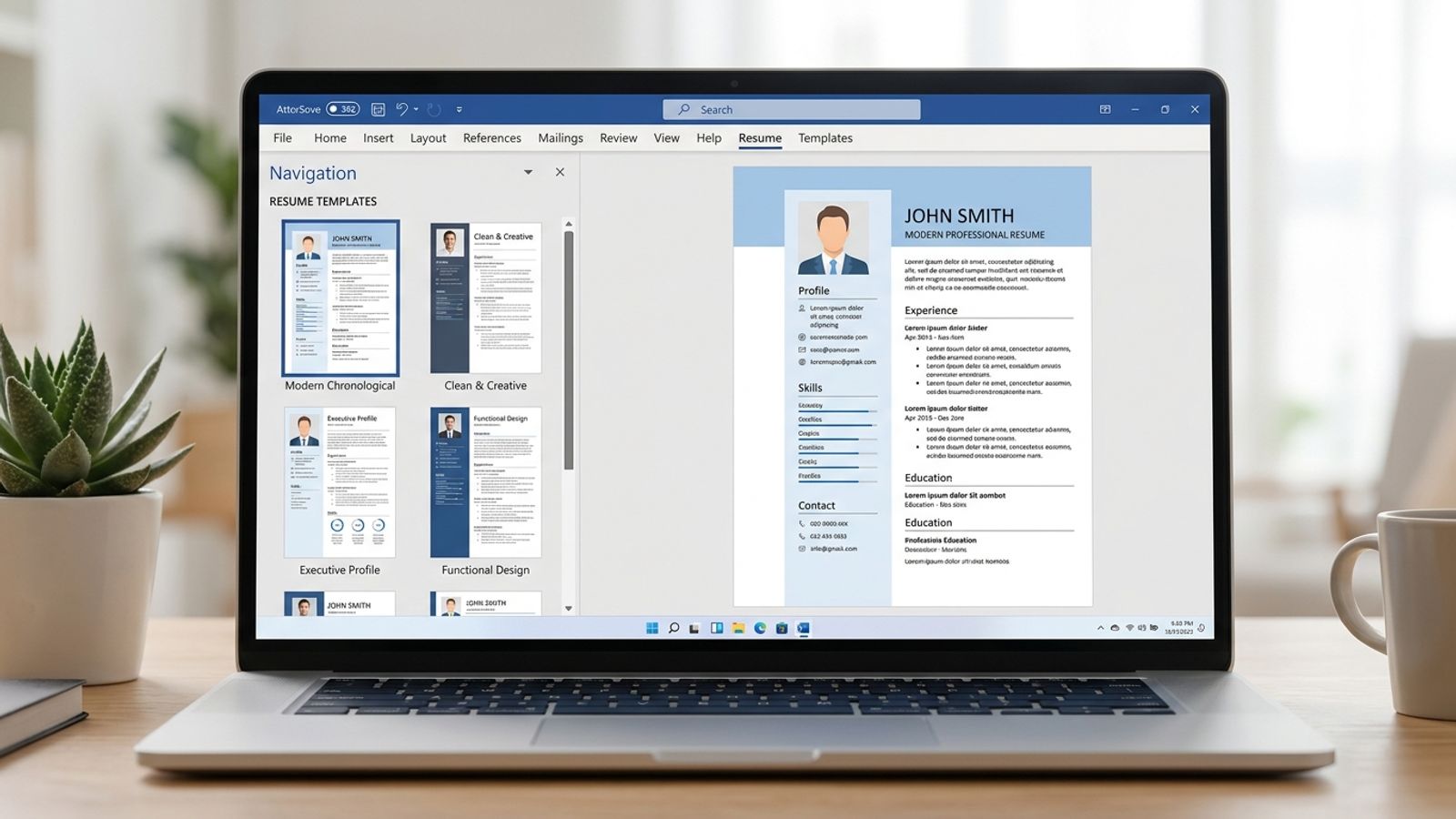
Microsoft Word offers 50+ built-in resume templates, with hundreds more on Microsoft Create. The problem: most default templates use complex tables, text boxes, and multi-column layouts that break ATS parsing. Single-column layouts achieve 93% parsing accuracy. Multi-column drops to 86%. Visual-heavy templates score as low as 18% in Workday tests.
Word is still the best tool for resume control. .docx is the format recruiters expect. The formatting options go deeper than Google Docs. But the template you start with matters more than the tool itself.
Most people pick the prettiest template, not the most parseable one. ATS does not have eyes. It has a text parser. Pretty means nothing to a parser.
Mirrai Careers
Match your resume to any job in seconds
Upload your resume, paste a job description, see your match score.
Try FreeFree month of Pro with code LAUNCH
How to Access Word Resume Templates
You have options:
- Inside Word (desktop): File > New > search "Resume" > double-click a template
- Inside Word (Mac): File > New from Template > search "Resume"
- Word for Web (free, no subscription): word.cloud.microsoft/create/en/resume-templates/
- Microsoft Create portal: create.microsoft.com > search "resume"
- Third-party .docx: download from Vertex42, Hloom, BeamJobs, or GoSkills and open in Word
Most people don't know Word for Web is free. Same templates as desktop Word, no Microsoft 365 subscription, runs in any browser. Zero reason to pay unless you need advanced layout control.
Simple Resume Templates for Word
A "simple" template means:
- Single-column layout (no sidebars)
- 1-2 colors maximum (black + one accent, or all black)
- Standard fonts: Calibri (11pt), Arial (10.5-11pt)
- Standard section headers: "Work Experience," "Education," "Skills"
- Clean round bullet points (not stars, diamonds, or checkboxes)
- No graphics, icons, skill bars, or star ratings
- No text boxes or floating elements
The best simple template often looks like it didn't come from a template at all. Vertex42's resume templates use only Normal and Heading 1 styles, produce no "template look," and achieve 95%+ ATS parsing accuracy. Less template, fewer problems.
If you want the simplest possible starting point: open Word, set margins to 1 inch, font to Calibri 11pt, and type your resume from scratch. No template needed. A clean manual format beats a fancy template that ATS can't read.
Modern Resume Templates for Word
Modern templates add visual distinction without breaking ATS:
- Subtle color accents in headings or section dividers (blue, teal, dark green)
- Sans-serif fonts: Lato, Montserrat, Raleway, Inter, Roboto
- Ample white space with clear visual hierarchy
- Bold/light font weight contrasts within the same font family
- Clean horizontal lines as section dividers
Sidebars are where resumes go to die in ATS. A sidebar in muted colors looks clean to humans but drops ATS skills parsing from 65% to 46% accuracy (CoverSentry). If you use a modern template with a sidebar, move all content into the main column before submitting through an online portal.
For direct emails to hiring managers (no ATS involved), modern templates with sidebars work fine. The visual design becomes an asset rather than a liability.
Resume Templates for Students
Student resumes have different needs:
- Education section goes first (above work experience)
- Include: clubs, activities, volunteering, projects, relevant coursework
- Skills section gets more weight to compensate for limited experience
- One page is almost always the right length
Two templates are consistently recommended for students:
The Harvard Bullet Point template (.docx, available from Harvard Career Services) is the gold standard for students and new graduates. Single column, clean formatting, education-first layout.
Jake's Resume template (jakesresume.com, MIT-licensed) is popular for tech students. It leads with projects and technical skills, which matters when you have more GitHub contributions than work experience.
Both are free, .docx format, and ATS-tested.
Which Built-In Word Templates Are ATS-Safe
Most default Word templates use tables for layout. ATS reads tables left-to-right, top-to-bottom, mashing content from different columns into gibberish. Half your resume can vanish.
| Template Feature | ATS Impact | What to Do |
|---|---|---|
| Single column, no tables | 93% parsing accuracy | Use these templates |
| Multi-column layout | 86% accuracy, skills drop to 46% | Avoid for online applications |
| Text boxes | Content read in wrong order or skipped | Replace with in-line text |
| Headers/footers for contact info | Name, email, phone vanish entirely | Move contact info to main body |
| Custom bullet symbols | Render as squares or question marks | Use standard round bullets |
| Graphics, icons, skill bars | Ignored by ATS | Remove for portal submissions |
Microsoft now offers a dedicated ATS templates page at create.microsoft.com. Search "ATS resume" to find templates specifically designed for parsing compatibility.
Common Word Formatting Problems (and Fixes)
- Pasting text imports source formatting. Fix: Ctrl+Shift+V (Paste as plain text)
- Bullet points randomly change style. Fix: define bullets in the Styles panel, not manually
- Job title splits from its content across a page break. Fix: select the title, Paragraph > "Keep with next"
- Layout collapses when you edit. This happens when alignment uses tabs and spaces instead of styles. Fix: rebuild using Word Styles (Normal, Heading 1)
- Document looks different on another computer. Fix: embed fonts (File > Options > Save > "Embed fonts") or export as PDF
Word vs Google Docs vs Canva for Resumes
| Factor | Microsoft Word | Google Docs | Canva |
|---|---|---|---|
| Price | Microsoft 365 (paid) or Word for Web (free) | Free | Free + Pro ($14.99/mo) |
| Built-in templates | 50+ (hundreds on Microsoft Create) | 5 | Hundreds |
| ATS compatibility | Best (.docx is native ATS format) | Good (simple text export) | Poor (72% fail rate) |
| Formatting control | Advanced (styles, precise spacing, section breaks) | Basic | Visual-focused |
| Offline editing | Full | Limited | Limited |
| Collaboration | Good (via OneDrive) | Excellent (native) | Good |
| Best for | Polished, ATS-first resumes | Quick, simple, free | Creative roles, portfolios |
Already compared Canva? See our Canva resume template guide (72% fail ATS). Or Google Docs templates (5 built-in options reviewed).
Before you leave
See how your resume stacks up
Paste any job description and get your match score in 30 seconds.
Try FreeFree month of Pro with code LAUNCH
FAQ
Is Word better than Google Docs for resumes?
Do I need Microsoft 365 to use Word resume templates?
Should I submit my resume as .docx or PDF?
Why do Word templates break ATS?
What is the best free Word resume template?
Skip the template hunt. Mirrai's Resume Builder creates ATS-optimized resumes matched to any job description. Free to start.